
Shipment Details
Overview
The Shipment Details page provides customers with a detailed view of individual shipments and their associated logistics information.
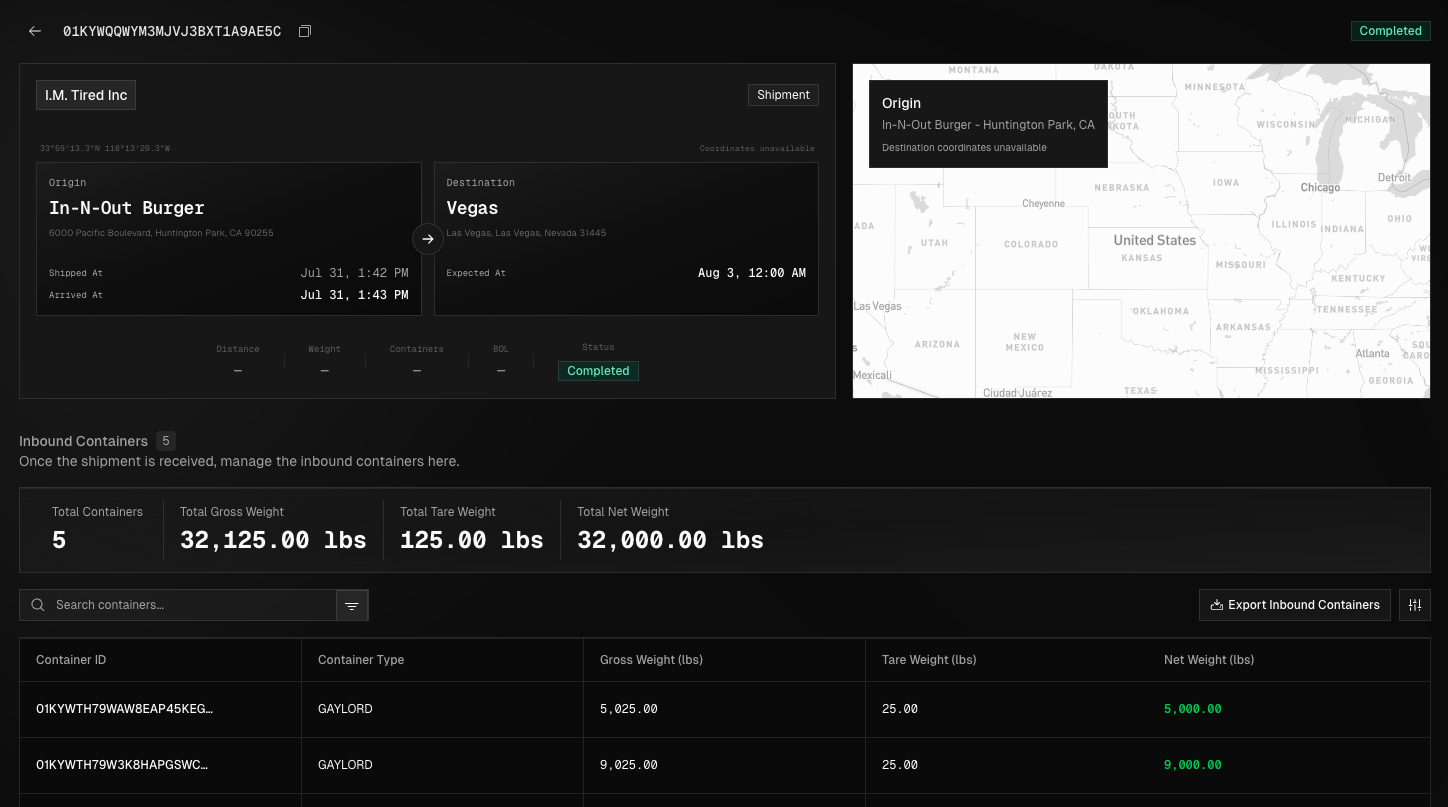
This page is designed to give customers full visibility into shipment status, routing, delivery details, and the materials associated with the shipment. This page serves as the primary reference point for tracking shipment movement, reviewing material data, and supporting operational, billing, and sustainability reporting.
Accessing Shipment Details
To view a shipment’s details, open Shipments from the left navigation bar, locate the shipment in the list or by using the search bar, and click its Shipment ID or the ellipsis (three dots) on the right to access the details page.
Shipment Details Information
The Shipment Details page includes all key information from the Shipments view, along with detailed data on inbound and outbound containers, such as container type, weight, photos, and notes, as well as a map view showing the route to the ZeroPoint facility.
Shipment Statuses & Definitions
Each shipment moves through a defined set of statuses that reflect its progress from creation to completion. Understanding these statuses will ensure you can accurately track progress and know when action is required.
Status | Definition |
|---|---|
Scheduled | Shipment has been created and is scheduled for pickup. |
Arrived | Carrier has arrived at the facility and receiving will begin shortly. |
Receiving in Progress | Unloading of shipment has begun. |
Receiving Complete | Unloading of shipment is complete. |
Processing in Progress | We have begun to sort the materials received. |
Completed | We have finished sorting the shipment and an invoice has been issued. |